
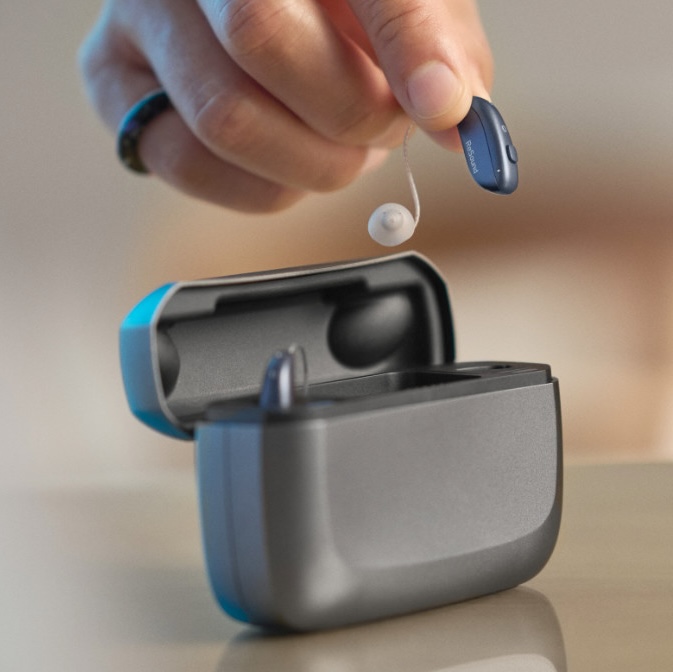
Auracast for Hearing Aids
Auracast is a Bluetooth feature that sends sound from nearby devices straight to your hearing aids, earbuds, or headphones. You can use it to hear a TV, a speaker, or a sound system clearly in your own ears. At Aberdeen Audiology, we can show you how to set up Auracast on your hearing aids.
What is Auracast?
Auracast (Bluetooth broadcast audio) is a newer type of Bluetooth. A small device called a transmitter sends out one sound signal. People nearby can tune in with their hearing aids, earbuds, or headphones.
Sound goes straight from the source to your hearing aids
Less echo and background noise from the room
Any number of people can listen at once
Sound quality stays the same as more people join
How Auracast Works

A place sends out the sound
A theater, airport, church, classroom, or gym sets up a small device called an Auracast transmitter. It sends the audio out over Bluetooth.

Your phone finds the broadcast
Your phone, smartwatch, or hearing aid app shows a list of nearby broadcasts. It looks a lot like the list of Wi-Fi networks you see at a coffee shop. You might see names like "Theater 1" or "Main Hall."

You pick what you want to hear
Tap the broadcast you want to join. Some places post a QR code you can scan to join in one step. Some broadcasts have a password, and the venue will share it with you.

Sound plays in your hearing aids
Your hearing aids adjust the sound to fit your hearing. They use the same settings your audiologist programmed for you.
Hearing aids that work with Auracast
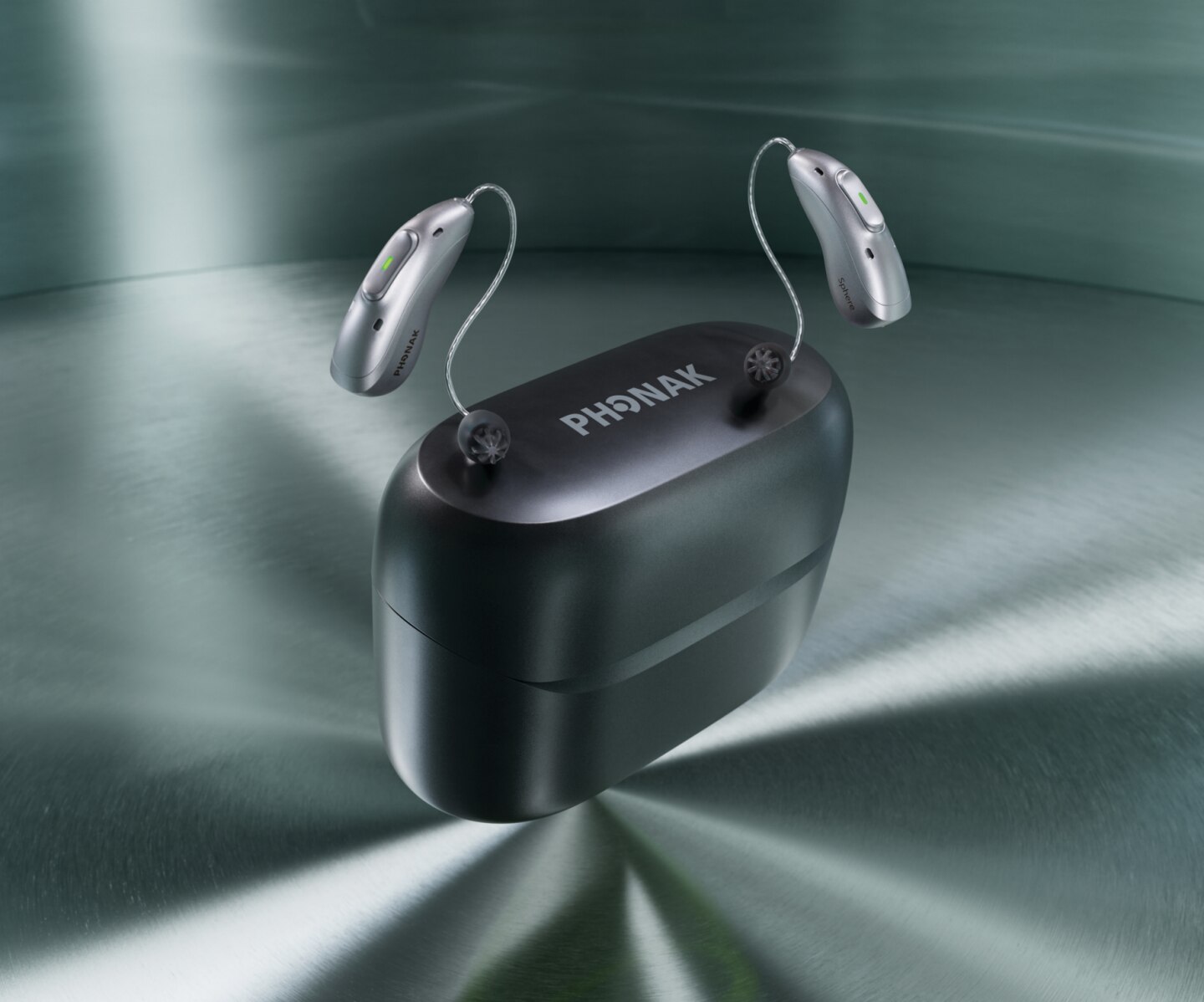
The models below come from brands we fit and support Auracast. Some need a software update before the feature turns on. We can check your device and install any updates at your visit.
*New models are added often, so ask us about your exact hearing aids.
Oticon
- Intent
- Zeal
- Reveal
Phonak
- Audéo Eon Sphere
ReSound
- Vivia
- Savi
- Nexia
- Enzo IA
Starkey
- Edge AI
- Omega AI
Cochlear implants
- Cochlear Nucleus 8 sound processor (Auracast-ready; needs a future firmware update from Cochlear)
We can help you set it up
At Aberdeen Audiology, our Doctors of Audiology can check if your hearing aids support Auracast. We can turn the feature on and show you how to join a broadcast from your phone. Ask about it at your hearing aid fitting or your next follow-up visit.
Malvern
Aberdeen Audiology
Formerly Patricia (Patti) Cohen/Brooklands Audiology
301 Lindenwood Dr #206, Malvern, PA 19355(610) 408-9250